Design Direction
We chose to dissect the packaging of a pregnancy test because we found an example of this over-the-counter product particularly confusing and poorly designed. The pregnancy test we are re-designing is called ‘EasyCheck Pregnancy Test’. Initial users found the design of this test to be overloaded with information which was overwhelming and stressful to navigate through. Our main directives with redesigning this test was to reduce the information to the essentials, have a strong focus on user journey with information accompanying the most immediate actions of the user at the time, and finally using user tests to guide our design. These user tests were undertaken on three types of people: those who had used a pregnancy test, those who hadn’t, and males – most of which had never seen a pregnancy test. (We also decided on the latter as we assumed if males with no pregnancy test experience could understand the information layout then anyone could.)
Contextual approach
Contextually a pregnancy test carries a huge amount of emotion, with their ability to alter an individuals life forever. Women using them come from all different circumstances, those trying for a child and those desperately hoping for a negative result. We see the significance of these experiences and wanted to create a gender neutral product that offers comfort to all scenarios and reduces the stigma attached to it i.e. the embarrassment of being seen purchasing pregnancy tests in public. We responded to these issues by choosing a purple colour (which has connotations to being a soothing shade), the new name ‘Clarity’ which carries more integrity, the humanist sans serif typeface for a less medical feel and finally the textured creamy stock the box is made from. The cover is also more abstract than traditional pregnancy tests, allowing women embarrassed to purchase this product to feel more protected from prying eyes in the pharmacy or supermarket.
Key design features
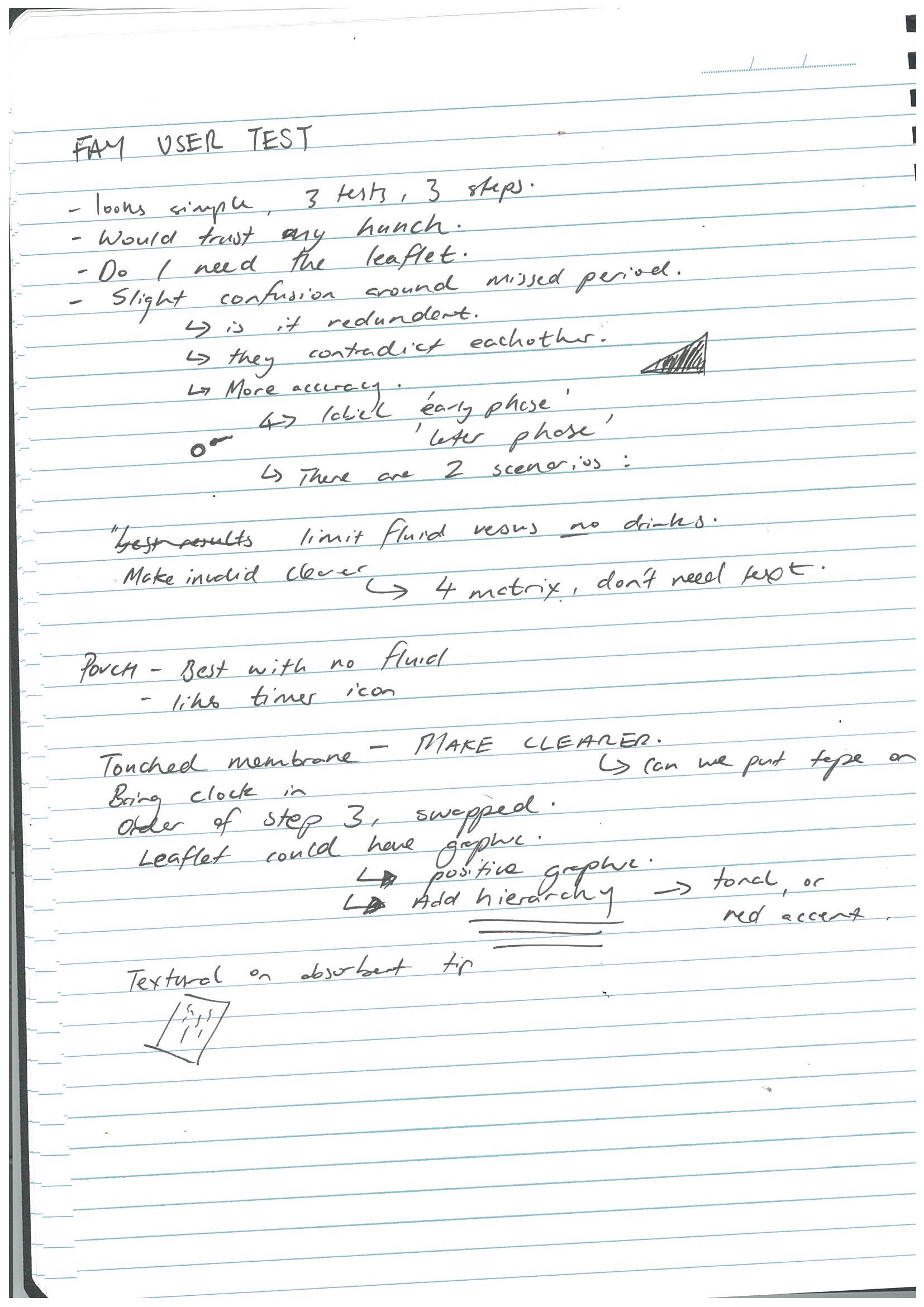
A key aspect of our final design revolves around the idea of immediacy, meaning that the users engage with the relevant information at the point of contact. For example, on the pouch containing the pregnancy test there are two key warnings, not to touch the result window (emphasised through icons and a red accent) and to use the test within one hour after opening seal (positioned by the seal, and reinforced with a secondary red reminder which is revealed once the pouch is opened). Another critical improvement to the original box was to clarify the confusion around when you can test in relation to the time of sex and the missed period. By developing two visual timelines users where able to easily identify whether the test would yield accurate results. We also used icons throughout the designs to help emphasise important information such as to ‘use first morning urine’, as well as in the pamphlet where there was more information. The icons helped to make it more digestible and engaging. A key part of our hierarchy was using the colour red as an accent to pop certain important information and add another level of information. We had a lot of positive comments that its minimal presence was a wise decision to make, because it drew the eyes immediately.
Challenges
Our main challenge was around reducing the huge amount of information that came with the original test. We combatted this through using card sorting, creating many iterations where we learnt to be more assertive, refining the text further and further. Overall, creating clearer typographic hierarchies and sections, realising that colour made a significant contribution to this factor. Preventing people from touching the result window also proved difficult, as it was mainly an affordance flaw with the product shape encouraging users to hold the stick there. We solved this through our warnings on the pouch, as well as a sticky splash guard to reinforce this. A similar issue that was combined with a flaw in the product was making sure users could distinguish the ‘control’ and ‘test’ regions on the test stick, so they could interpret their results more easily. We solved this through having labelled diagrams of the test sticks on the box and the pouch, and also adding ‘C’ for control and ‘T’ for test region on the interpretation diagrams. This was further matched on the actual product where we added the two letters, which we believe could have made the test sticks more understandable to use.
Please note: Ideally our final product would be printed on a textured stock but we had issues with the colour wearing off. In the future we would get this professionally printed to avoid this colour wear.




 Clarity. Your pregnancy test